
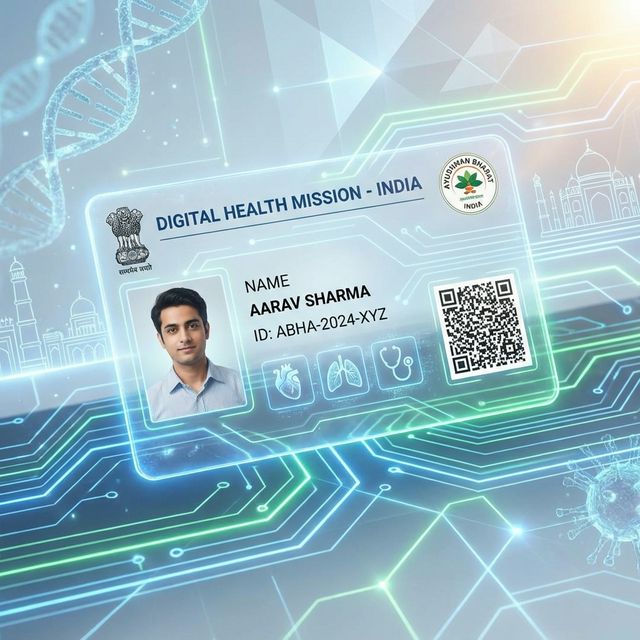
How to Create an ABHA Card Online — Complete Guide (2026)
ABHA (Ayushman Bharat Health Account) is India's digital health ID. You can create it free online using your Aadhaar or driving license. This guide walks you through the process step by step — it takes about 5 minutes.
Last updated: February 2026
What is an ABHA Card?
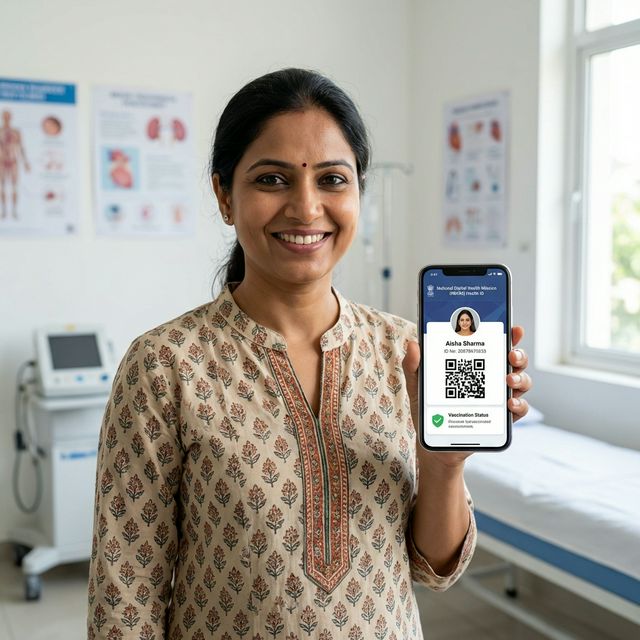
ABHA stands for Ayushman Bharat Health Account. It is India's unique digital health identity system, created under the Ayushman Bharat Digital Mission (ABDM) by the National Health Authority (NHA), Government of India.
Your ABHA number is a 14-digit health ID that links all your health records — prescriptions, lab reports, hospital discharge summaries, and more — in one place. Think of it as your digital health passport.
Why ABHA matters:
- Unified health records — All your medical records from different hospitals and doctors in one place
- Portability — Any ABDM-linked hospital can access your records (with your consent)
- No lost records — Digital records that follow you, even if you change doctors or cities
- Insurance linkage — Can be linked to health insurance policies
- Government integration — Accepted at government hospitals and ABDM-registered private hospitals
Currently, over 600 million ABHA numbers have been created across India, making it one of the world's largest digital health ID systems.
How to Create an ABHA Card Online (Step-by-Step)
Step 1: Go to the official ABHA website
Visit abha.abdm.gov.in — this is the official Ayushman Bharat Health Account portal. Do not use unofficial third-party websites for ABHA creation.
Step 2: Click "Create ABHA Number"
On the homepage, you will see the option to "Create ABHA Number". Click on it.
Step 3: Choose your verification method
You will be asked to verify your identity using one of two options:
Option A: Aadhaar card (Recommended)
- Faster and fully automated
- OTP sent to your Aadhaar-registered mobile number
- Process completes in 3–5 minutes
Option B: Driving License
- For those who prefer not to use Aadhaar
- Requires additional verification steps
- May take longer to complete
Step 4: Enter your details and verify OTP
If using Aadhaar:
- Enter your 12-digit Aadhaar number
- Complete the CAPTCHA verification
- An OTP will be sent to the mobile number linked to your Aadhaar
- Enter the OTP to verify
Your basic information (name, date of birth, gender, address) will be auto-filled from your Aadhaar record.
Step 5: Choose your ABHA address
After verification, you will be asked to create your ABHA address — a unique username in the format yourname@abdm. This is like an email address for your health records.
Choose something memorable, as this address is how healthcare providers will link records to your ABHA.
Step 6: Review and confirm
Review your details, accept the terms and conditions, and confirm. Your ABHA number will be generated immediately.
Step 7: Download your ABHA card
Once created, you can download your ABHA card as a PDF or image file. Keep it stored on your phone for easy access at hospitals and clinics.
How to Link Your ABHA Card to Lifemaan
If your hospital uses Lifemaan for hospital management, your doctors can link your consultations and prescriptions to your ABHA health account. This means:
- Your prescriptions are stored in your ABHA health record
- Your digital health history grows automatically with each visit
- You can share your complete health record with any ABDM-linked provider
Ask your doctor or the hospital reception to link your ABHA number when registering as a patient at any Lifemaan-powered hospital.
Learn more about how Lifemaan supports ABDM and digital health records.
Benefits of Having an ABHA Card
1. One health record, everywhere
With an ABHA card, your health records from different hospitals, labs, and pharmacies can be linked to a single account. No more carrying physical reports to every appointment.
2. Portability across hospitals
If you visit a new doctor or hospital in a different city, you can share your ABHA-linked health records with consent — without needing to bring physical documents.
3. ABDM compliance
As India's healthcare system progressively integrates with ABDM, having an ABHA card ensures you can access all ABDM-enabled services.
4. Insurance linkage
ABHA health IDs can be linked with health insurance policies, making claim processing faster and more efficient.
5. Emergency access
In emergencies, your ABHA-linked health record can provide critical medical history information to treating doctors.
For hospitals looking to integrate ABHA into their workflows, explore Lifemaan's EMR software and hospital management system — both support ABDM integration.
Frequently Asked Questions
Want to see Lifemaan in action?
Schedule a free demo for your hospital or clinic. See how easy the switch to digital can be.
Book Free Demo